Server rooms, racks and power

A network closet you are not afraid to open.

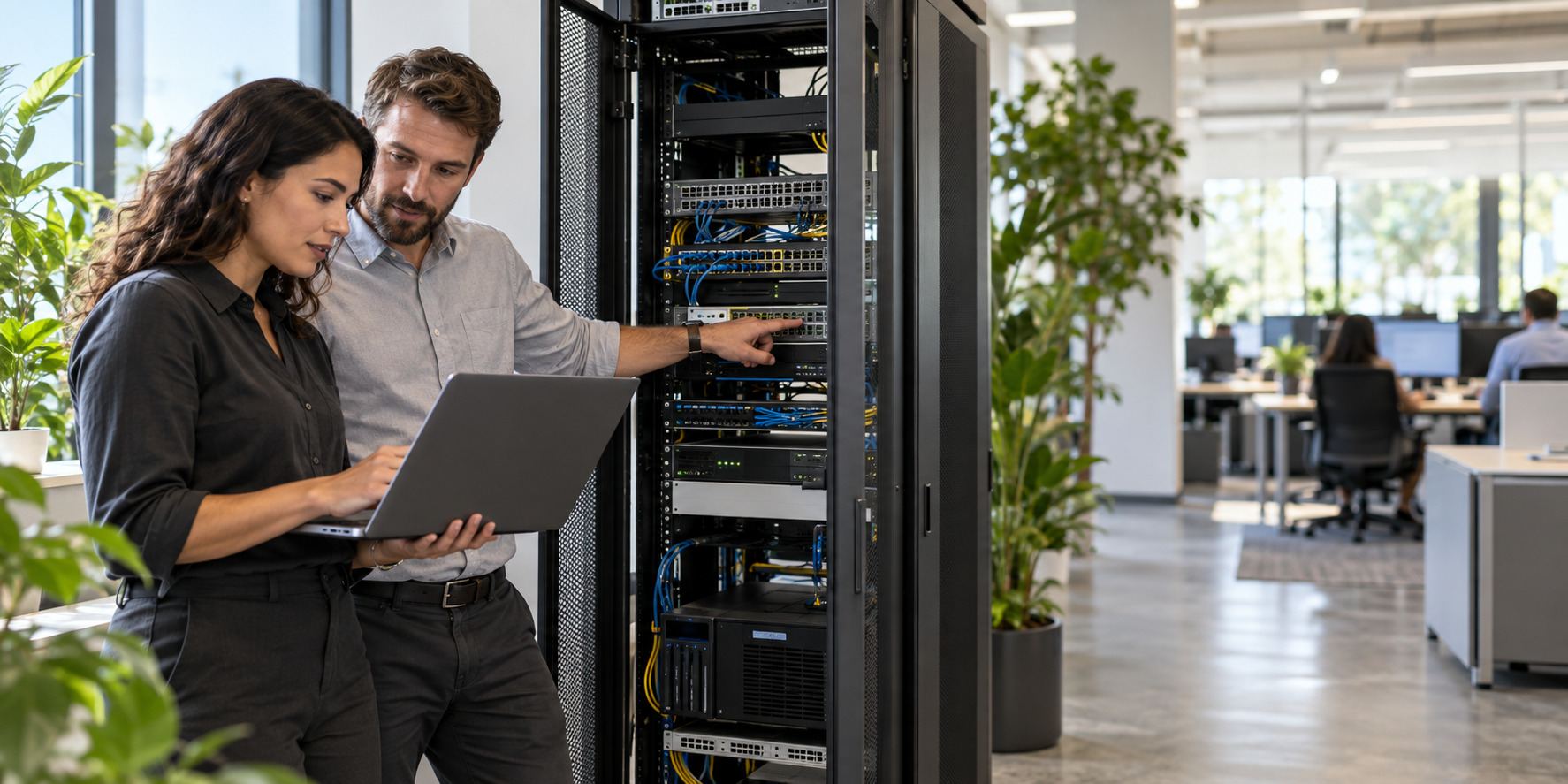
We organize racks and cabling, add UPS battery backup sized to your equipment, check cooling and access, and label and document everything so changes are quick and safe.

UPS battery backupWith alerts
Cable managementServiceable racks
Temperature monitoringWhere needed
DocumentedRack diagram and labels

Room assessment

Five things that keep a server room healthy.

Select an area to see what we check.

Rack and cablingPower and UPSCoolingAccessMonitoring

Equipment mounted, cables managed and labeled.

Illustrative layout; the assessment is done on site.

Challenges and solutions

What goes wrong in network closets.

Select the situation you recognize.

Solutions rotate automatically. Select one to stop.

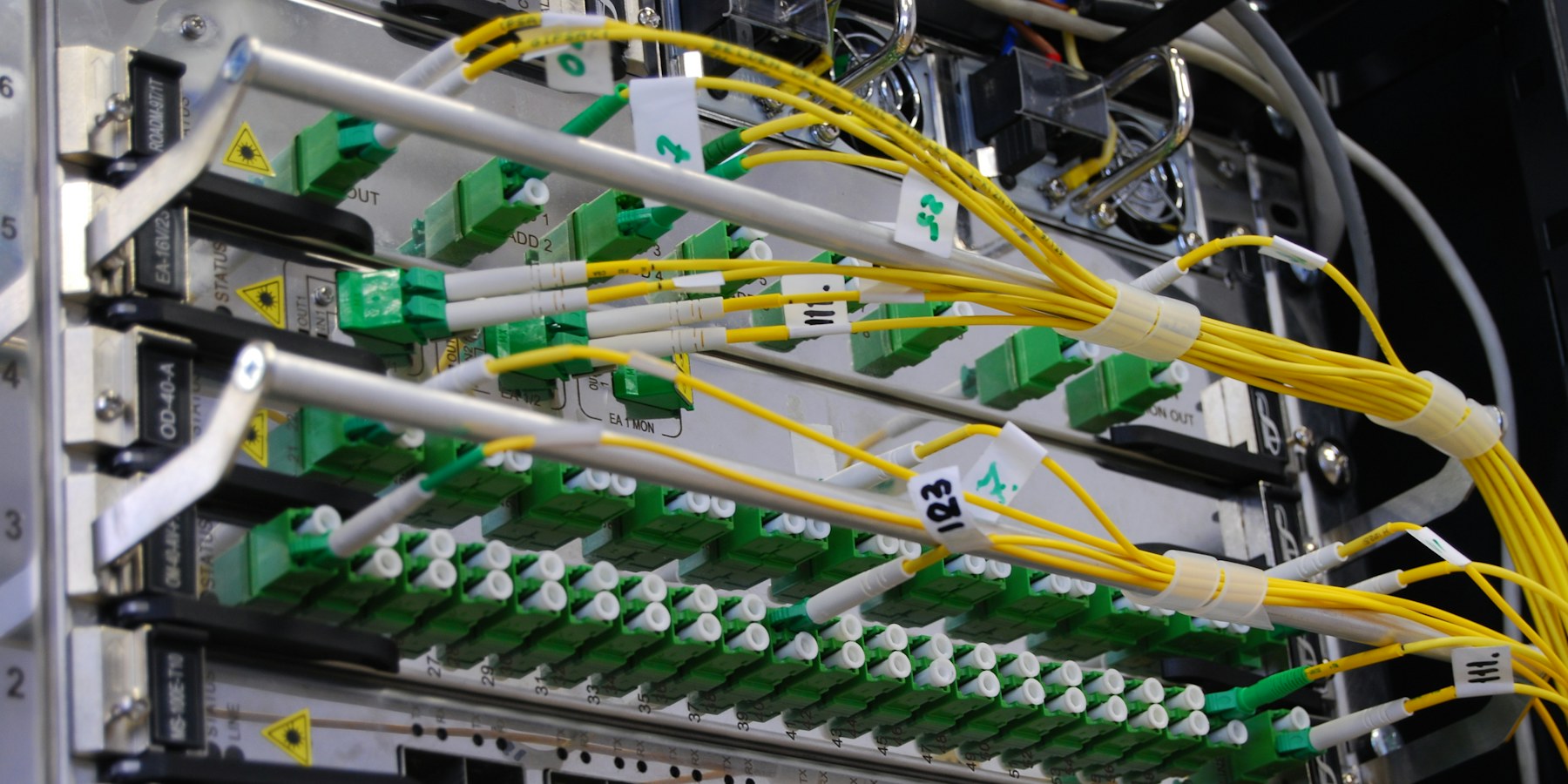
Fiber optic cables connected to network equipment

Our solution

UPS sized to the load.

Equipment plugged straight into the wall, or into an old UPS with dead batteries.

  1. MeasureThe real power load.
  2. SizeUPS and runtime for your needs.
  3. AlertNotices when power fails or batteries age.

ResultShort outages no longer stop the business.

Request a quote for this ↗

Services included: network administration.

The difference

A closet, or an organized room.

Switch between the two scenarios.

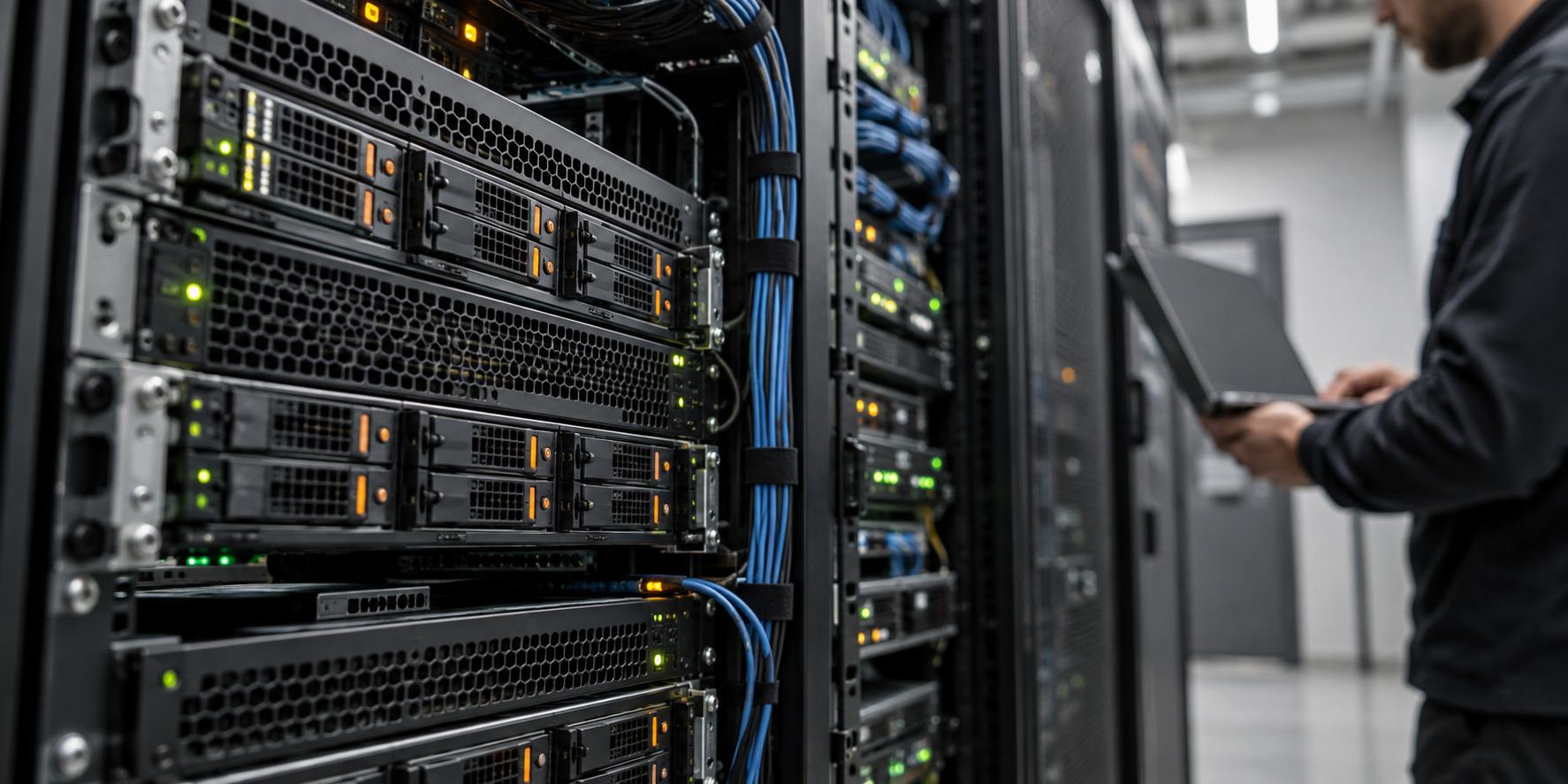
Illustrative server hardware with a technician working in the background
Typical closetAfter DCI TECH USA
  • Cabling

    Unlabeled tangle.

    Managed, labeled and documented.

  • Power

    Wall outlets or a dead UPS.

    UPS sized with runtime and alerts.

  • Cooling

    Nobody checks it.

    Temperature measured and monitored.

  • Access

    Unlocked storage room.

    Locked, entries recorded.

  • Changes

    Hours of tracing cables.

    Minutes with the rack diagram.

Request an assessment ↗

Scope

What a server room project includes.

The proposal lists the work, equipment and schedule.

The proposal includes

  • On-site assessment
  • Rack and cable management
  • Re-patching and labeling
  • UPS sizing and installation
  • Power and temperature alerts
  • Access recommendations
  • Rack diagram and documentation
  • After-hours work when needed

Quoted separately

  • Electrical circuits and HVAC installation (by licensed trades)
  • Building construction
  • Equipment not in the proposal

When new circuits or cooling are needed, we coordinate with your electrician or HVAC contractor.

Frequently asked questions

Answers for your organization.

Have another question?

Call or text DCI TECH USA, or email us. We reply with the information you need, in writing.

Email info@dcitech.us ↗
Email info@dcitech.us
What size UPS do we need?

It depends on the power your equipment draws and how long it must run on battery. We measure the load and recommend a model and runtime.

Can you organize our rack without downtime?

Most work is done after hours, and changes are planned so outages are short and scheduled.

Do you install cooling?

We measure and recommend. Installation of new cooling is done by an HVAC contractor we coordinate with.

Do you replace UPS batteries?

Yes. We track battery age and replace batteries or units before they fail.

Is this only for large server rooms?

No. Most of our work is in small network closets in offices, properties and schools.

Why DCI TECH USA

Rooms that are easy to support.

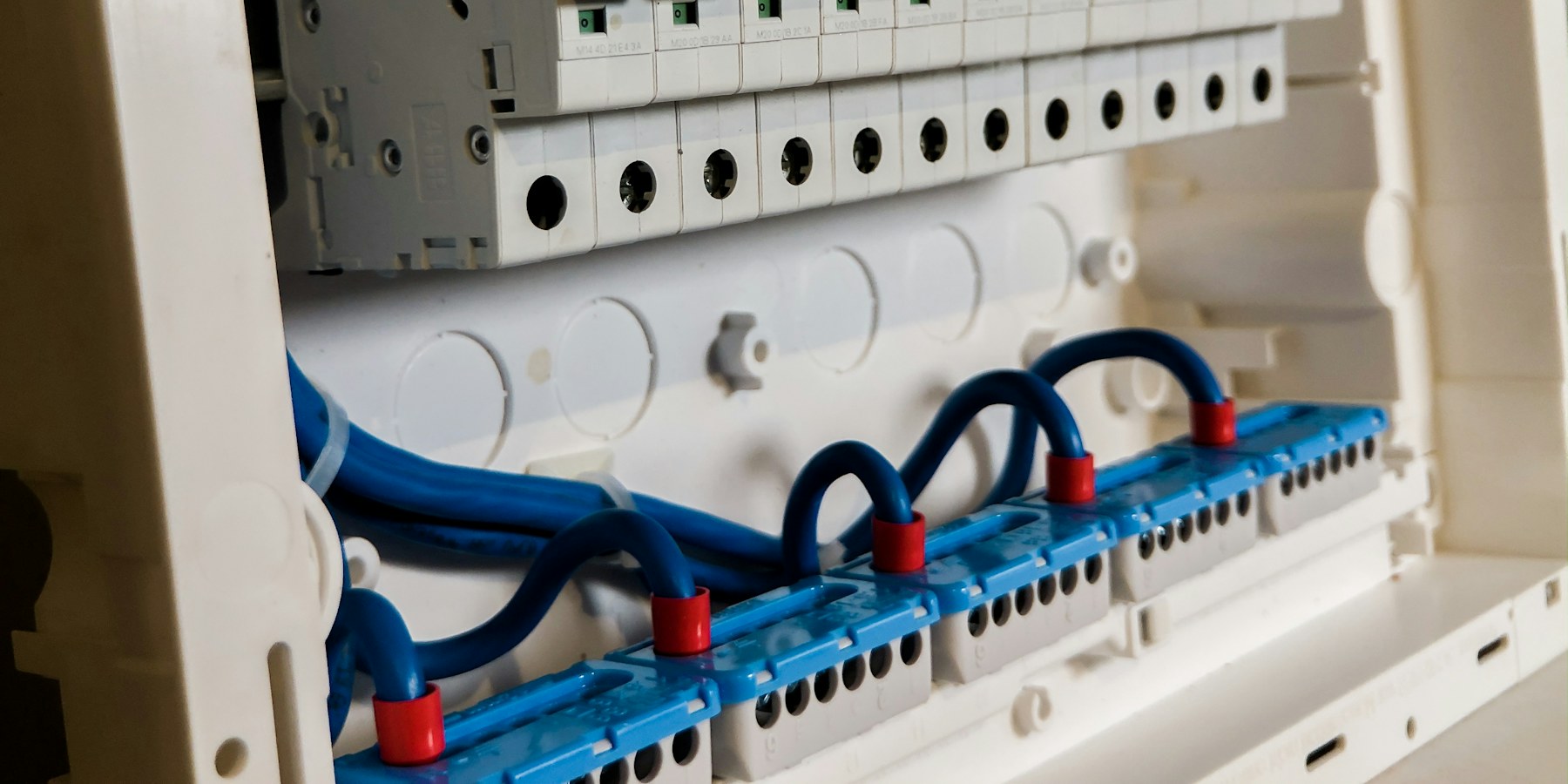
Electrical panel with breakers and wiring
Power protected and monitored
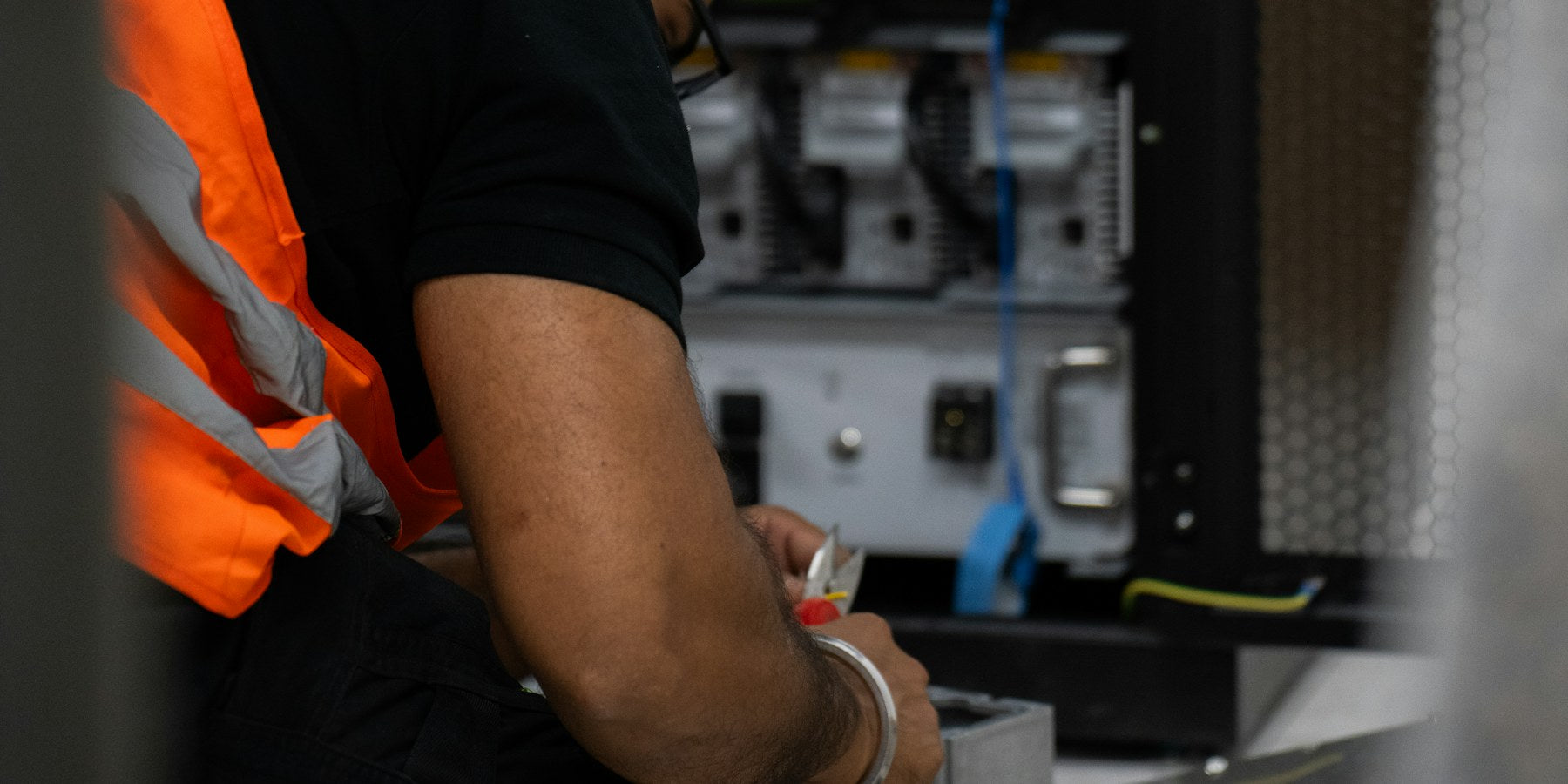
Technician working on rack equipment with tools
Hands-on rack work
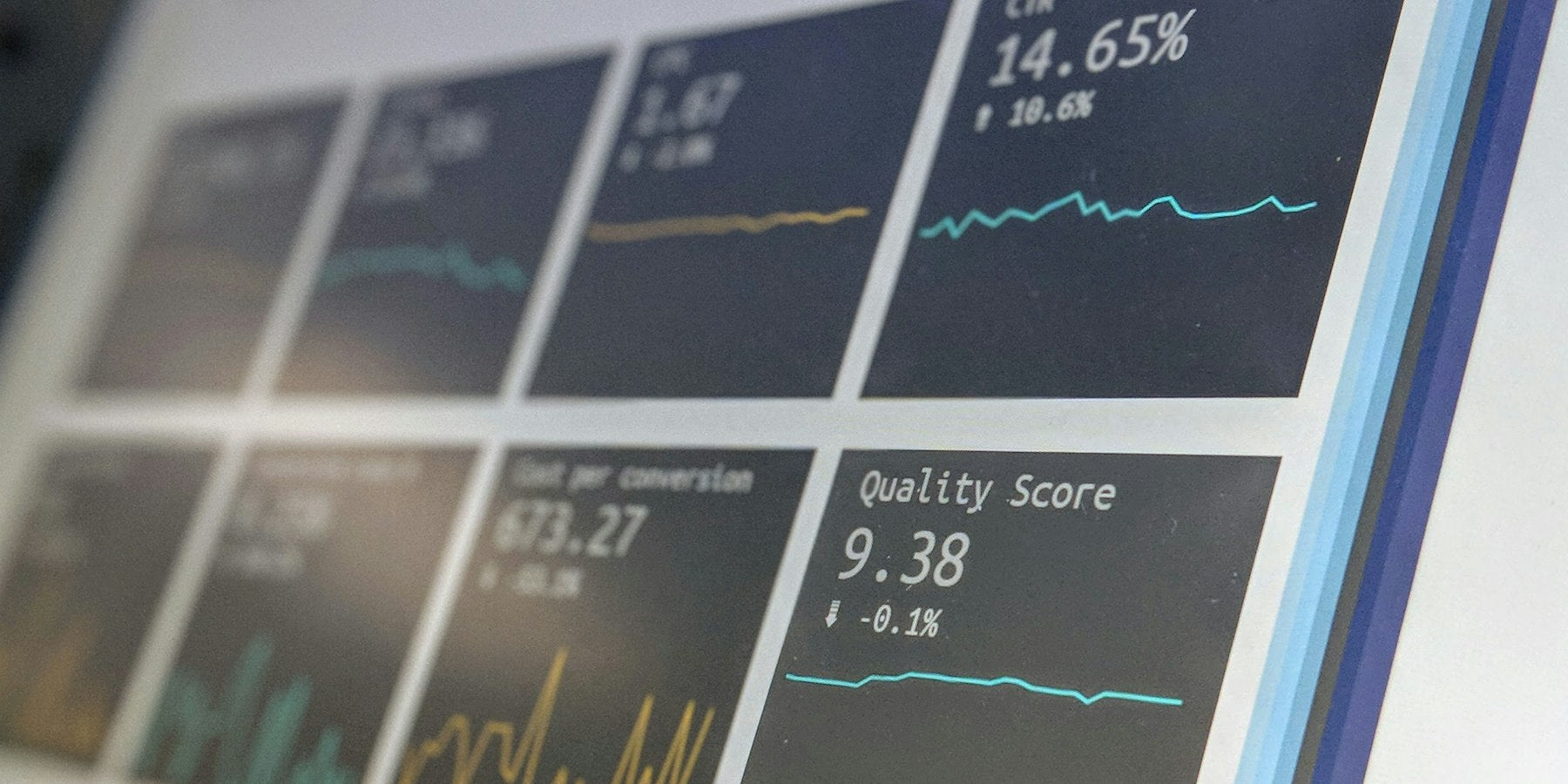
Screen with monitoring charts
Alerts before failures

Assessment first

Power, cooling, cabling and access checked.

Clean work

Labeled, managed and documented.

Planned downtime

After-hours changes.

Supported afterwards

The same team for changes and alerts.

Request a room assessment

Tell us about your network closet or server room.

Next step

Put your network closet in order.

Tell us where it is and what is inside. We reply with an assessment date and a written proposal.

Email info@dcitech.us