
Door access control

Know who opens each door, and when.

We install card, fob and mobile access for your doors, set schedules per person and door, and keep a log of every entry, managed from one app and connected to your cameras.

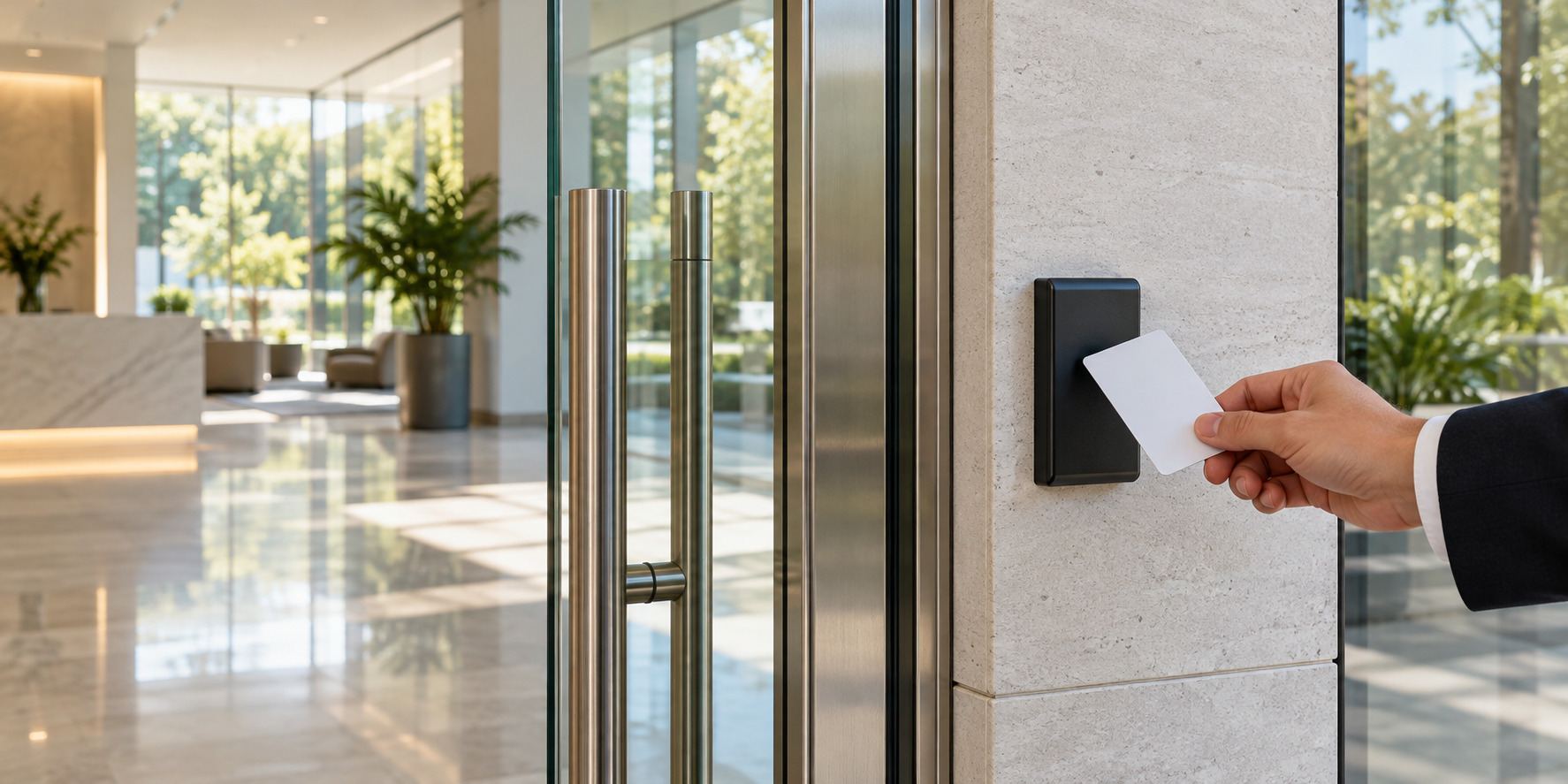
Illustrative electronic badge reader at a commercial entrance
Doors, cameras and network on one platform.
Cards, fobs and phonesNo more copied keys
Schedules per doorStaff, vendors, tenants
Every entry loggedSearchable history
Remote managementAdd or remove access instantly

The access log

Every door, every entry, on record.

A sample of what the access log shows.

Access logLive
TimePersonDoorMethod
  1. Front desk staffMain entranceMobile key: granted
  2. Cleaning vendorBack doorFob: granted, within schedule
  3. Former employeeMain entranceCard: denied, access removed
  4. ManagerServer roomPIN + card: granted
  5. UnknownBack doorForced open: alert sent

Illustrative example with demo data.

Challenges and solutions

The problem with keys.

Select the situation you recognize.

Solutions rotate automatically. Select one to stop.

Padlock on a keyboard, account security

Our solution

Access removed in seconds.

Physical keys get copied and are rarely returned.

  1. CredentialsCards, fobs or phones per person.
  2. RemoveAccess revoked from the app.
  3. LogAttempts recorded.

ResultNo more rekeying after someone leaves.

Request a quote for this ↗

Services included: managed MFA.

Scope

What a door access project includes.

The proposal lists the doors, hardware and credentials.

The proposal includes

  • Site survey of each door
  • Readers, controllers and locking hardware
  • Cabling and power backup
  • Cards, fobs or mobile credentials
  • Groups and schedules
  • Camera integration where available
  • Administrator training
  • Documentation and handover

Quoted separately

  • Door and frame carpentry
  • Fire alarm system work
  • Monthly credential fees from the manufacturer, if any

Door hardware and life-safety requirements are reviewed with your property manager or locksmith during the survey.

Frequently asked questions

Answers for your organization.

Have another question?

Call or text DCI TECH USA, or email us. We reply with the information you need, in writing.

Email info@dcitech.us ↗
Email info@dcitech.us
Which access control systems do you install?

Mainly Ubiquiti UniFi Access, which works with UniFi cameras and networks. Other systems are reviewed case by case.

Can staff use their phones instead of cards?

Yes. UniFi Access supports mobile credentials as well as cards and fobs.

What happens during a power outage?

Controllers and locks are connected to battery backup, and doors are configured to meet egress and fire code requirements.

Can we see who entered a door last week?

Yes. Every entry, denied attempt and forced door is recorded and searchable.

Can you add access control to existing doors?

In most cases, yes. The survey checks each door's frame, lock and power so the right hardware is chosen.

Why DCI TECH USA

Doors, cameras and network on one platform.

Illustrative mobile device used alongside a business workstation
Credentials per person
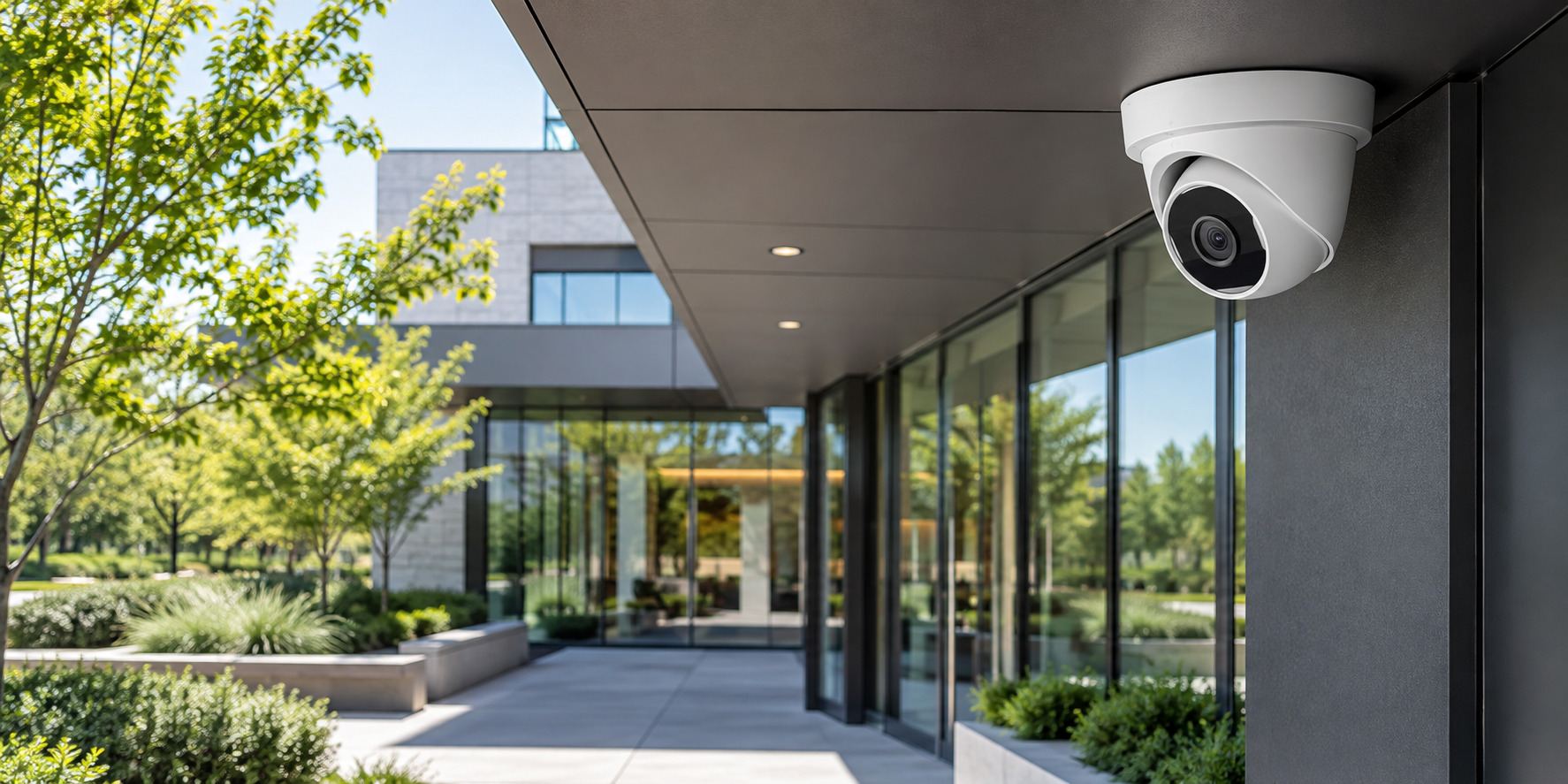
Illustrative security camera mounted outside a commercial building
Entries checked against video
Illustrative technician configuring network equipment in a structured cabinet
One UniFi dashboard

Survey of every door

The right hardware for each one.

Connected to cameras

Entries matched with video.

Instant changes

Add or remove access from the app.

Supported afterwards

Remote and on-site help in the DMV.

Request a door access survey

Tell us how many doors and who needs access.

Next step

Replace keys with access you control.

Tell us how many doors and people you have. We reply with a survey date and a written proposal.

Email info@dcitech.us