 DCI TECH USA
01
Server and dependency review
Identify the affected server, platform, applications, users, available records, and administrator access required for the review.
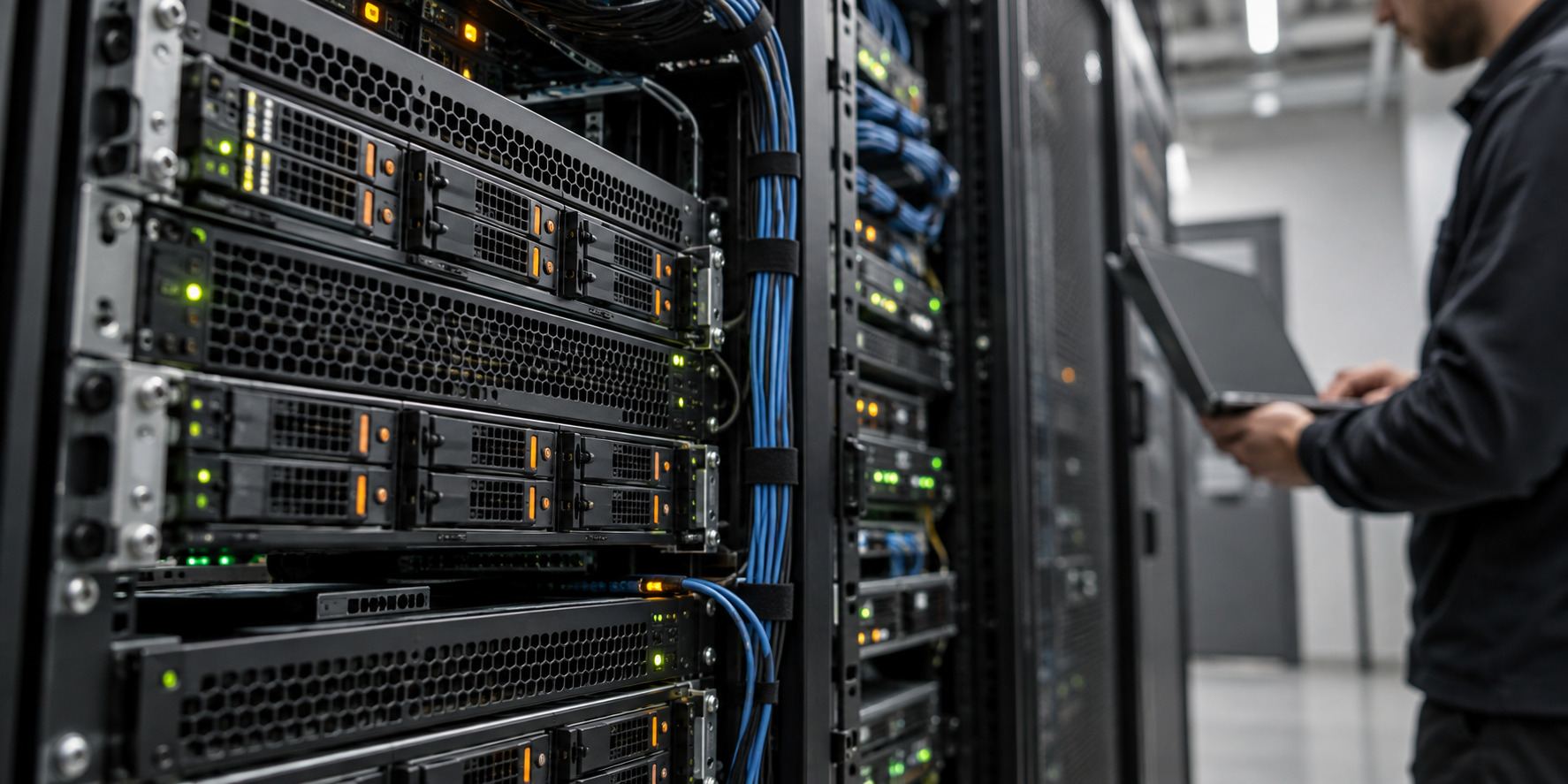
Get help investigating server problems and planning the next change. We review the affected hardware, operating system, configuration, and business dependencies before recommending work.
Server diagnostics investigates the symptoms affecting a server or the services it runs. The review helps separate what is known, what needs further testing, and which repair, upgrade, or migration options should be considered.
Start with the systems affected, the symptoms, and what your business depends on before making disruptive changes.
Identify the affected server, platform, applications, users, available records, and administrator access required for the review.
Investigate the agreed hardware, operating-system, connectivity, and configuration concerns using the access and information available.
Review the agreed storage, capacity, and system-resource concerns behind the reported symptoms. Document findings and limits of the review.
Review available backups and recovery information before proposing changes that could affect systems or data.
Plan the selected replacement, upgrade, or migration, including dependencies, work windows, and how the result will be checked.
Explain the findings in practical terms. Separate recommended actions, additional investigation, and work that needs a separate proposal.
A diagnostic review does not automatically include replacement hardware, recovered data, migrations, software licenses, or a guaranteed repair. Those items are agreed separately where needed.
A useful first conversation starts with the location, systems, and help your organization needs.
Share your site, users, current equipment, and the issue or upgrade. Let us know about access requirements and any important dates.
Discuss a support plan or project proposal with the tasks, equipment, licenses, fees, responsibilities, and work windows included.
Carry out the agreed tasks, check the functions in scope, and hand over administrator access, useful records, and remaining actions.
Call (240) 503-1611 or send us a message. We reply by email or phone.
The review and corrective work are separate scopes unless your proposal includes both. Findings may lead to an authorized repair, more investigation, or a replacement plan.
Yes. Share the server platform, applications, data, and business requirements. We review dependencies and recovery information before planning the change.
Some investigations or changes need a work window. We identify known service impacts and agree on access, timing, and checks before carrying out that work.
No recovery outcome should be assumed from a diagnostic request. We review the available backups, system condition, and requirements before agreeing on any recovery-related work.
Share the server model and platform if known, the symptoms, error messages, affected applications, recent changes, and your site location.
Tell us the server platform, symptoms, affected applications, and any recent changes or available backup information.
Request a server review ↗