 DCI TECH USA
01
Site and equipment review
Identify the internet connection, rooms, users, connected devices, and existing equipment before choosing the network layout.
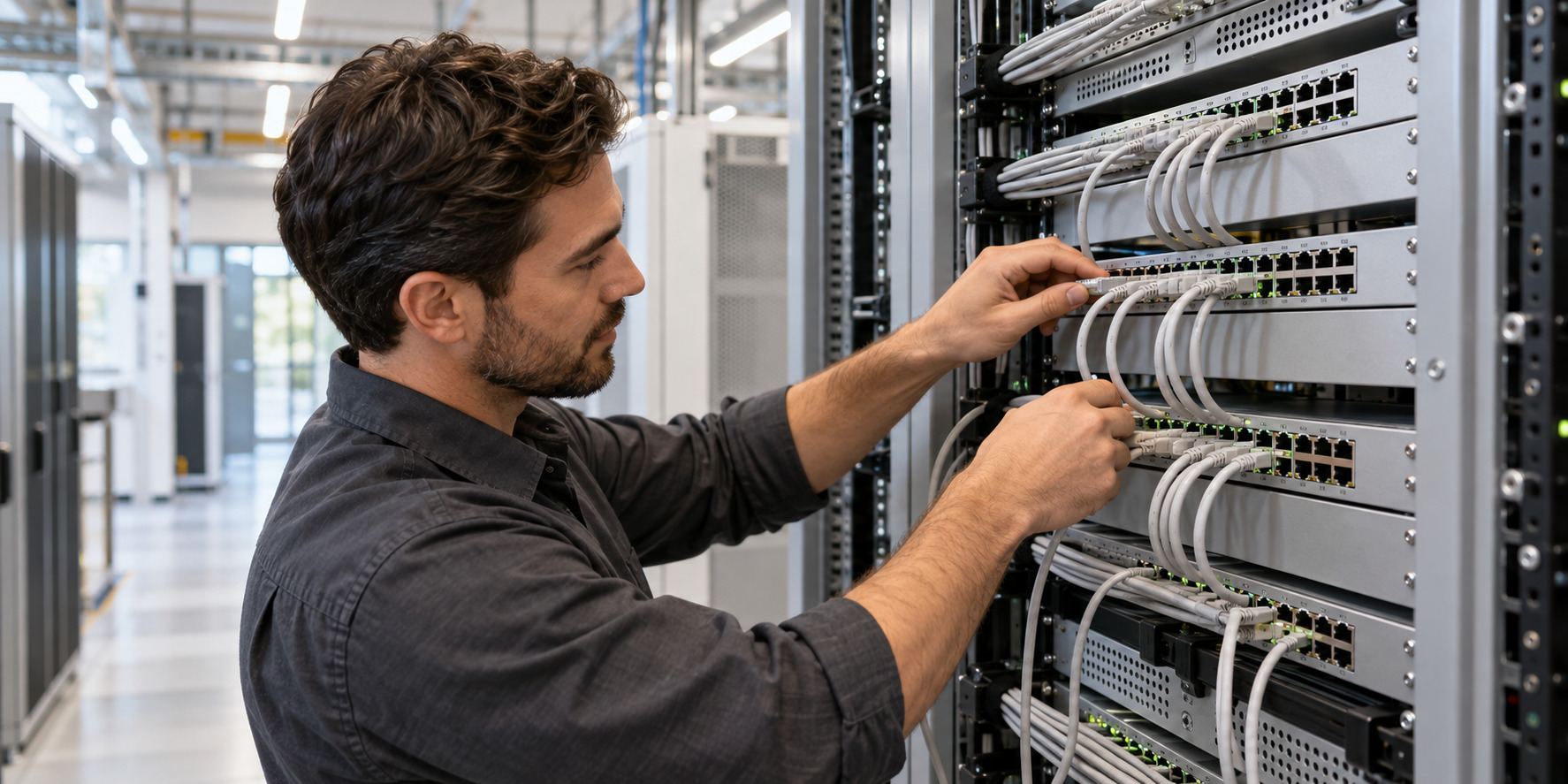
Ubiquiti UniFi network design, installation, configuration, and upgrades for offices, properties, and schools. Build a new network or get help improving the one you already have.
A UniFi project can include the gateway, network switches, Wi-Fi access points, cabling, and device management that connect your site. We review your equipment and spaces, then plan the installation or changes you need.
Choose a complete installation, an upgrade, or a focused review of an existing network.
Identify the internet connection, rooms, users, connected devices, and existing equipment before choosing the network layout.
Plan access-point locations and the spaces needing coverage. Install and configure the equipment and connections included in your project.
Set up the selected gateway and switches, including agreed network connections, device management, and administrator access.
Discuss who needs access and which devices should be separated. Configure the agreed networks and permissions on compatible equipment.
Review weak coverage, connection issues, aging equipment, or configuration problems. Recommend changes based on the site review.
Coordinate compatible cameras and door-access systems with the network when those systems are part of the project.
Hardware, cabling, internet service, subscriptions, and continuing network administration are included only where listed in your proposal.
A useful first conversation starts with the location, systems, and help your organization needs.
Share your site, users, current equipment, and the issue or upgrade. Let us know about access requirements and any important dates.
Discuss a support plan or project proposal with the tasks, equipment, licenses, fees, responsibilities, and work windows included.
Carry out the agreed tasks, check the functions in scope, and hand over administrator access, useful records, and remaining actions.
Call (240) 503-1611 or send us a message. We reply by email or phone.
Yes. We can discuss a new installation, expansion, equipment replacement, or review of an existing UniFi network. Share your current equipment and what is not working well.
We review compatibility and condition first. The proposal identifies what can be retained, what needs further checking, and what should be replaced.
That can be part of the design when the selected equipment supports it. We agree on the users, devices, and access rules before configuration.
Yes, those systems can be discussed alongside the network. Camera coverage, recording, compatible door hardware, power, and permissions each need their own project requirements.
No. Installation or upgrade work can be quoted as a project. Ongoing management and support are separate choices.
Share your site location, current UniFi equipment, coverage concerns, and the installation or upgrade you are considering.
Plan a UniFi project ↗