


Starlink installation

High-speed internet, or a backup when cable fails.

We install Starlink for businesses, rural properties, construction sites and homes: we check the view of the sky, mount the dish safely, protect the cabling and deliver Wi-Fi across the property.

DC, Maryland and VirginiaInstallation by project
Primary or backupAutomatic failover
UniFi Wi-FiWhen more coverage is needed
Written proposalScope and price

Platforms we work with

  • Starlink
  • Ubiquiti UniFi
  • Reolink
  • Microsoft365
  • Google Workspace

Location is everything

A well-placed dish, a stable connection.

Starlink needs a clear view of the sky. Select an obstacle to see how we handle it.

TreesNearby buildingsRoof typeDistance to the routerLarge propertiesStarlink dish

We mount the dish above the tree line, on a pole or at the highest point of the roof.

The site check is done before installation.

What it is used for

Four situations Starlink solves.

Select the situation that sounds like yours.

Solutions rotate automatically. Select one to stop.

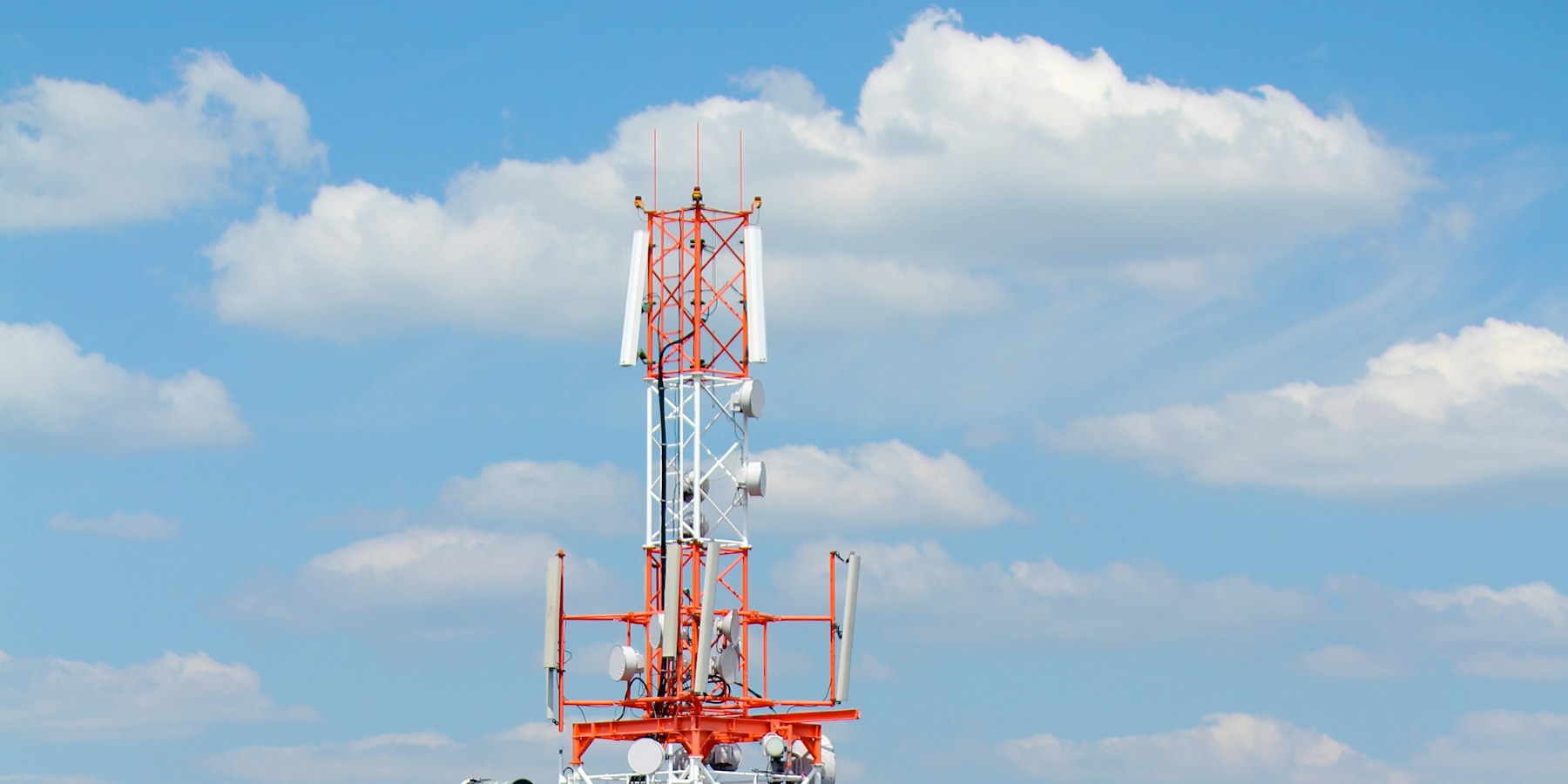
Tower with radio antennas and links

Our solution

Starlink as the main connection.

Many rural areas in Virginia and Maryland still lack wired broadband.

  1. Site checkView of the sky and best mounting point.
  2. InstallDish, protected cable and router.
  3. Wi-FiCoverage for the whole property.

ResultHigh-speed internet where no provider reaches.

Request a quote for this ↗

Services included: UniFi Wi-Fi.

How the installation runs

From site check to working Wi-Fi.

Four steps, usually completed in one visit after the site check.

Before

Site check

View of the sky, mounting point and cable path.

Day 1

Mounting

Dish mounted, sealed and grounded where required.

Day 1

Network

Router, failover and Wi-Fi configured.

Handover

Test

Speed measured and the app set up on your phone.

Why DCI TECH USA

Professional mounting, a network that works.

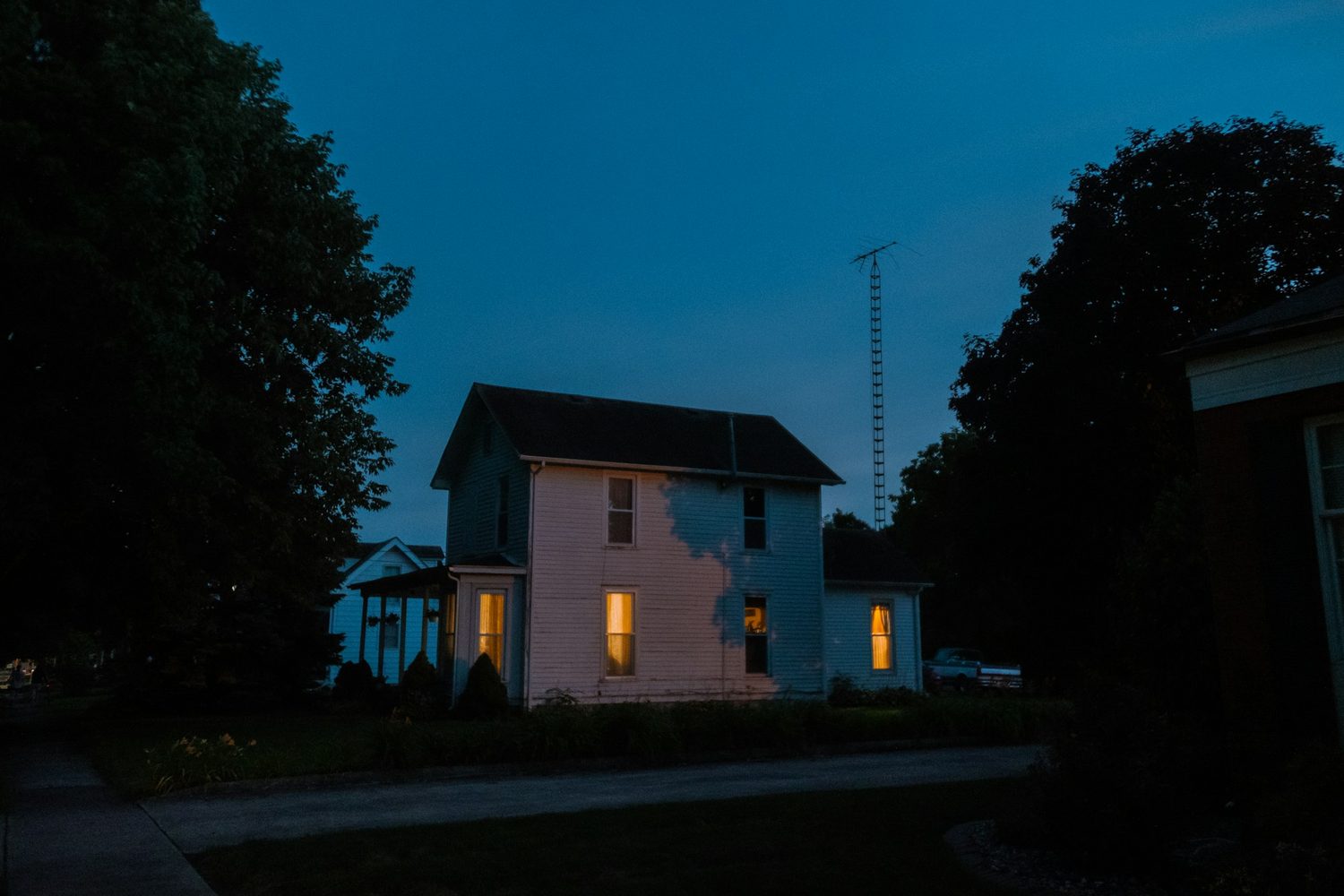
Two-story house with lights on at dusk
Homes and rural properties
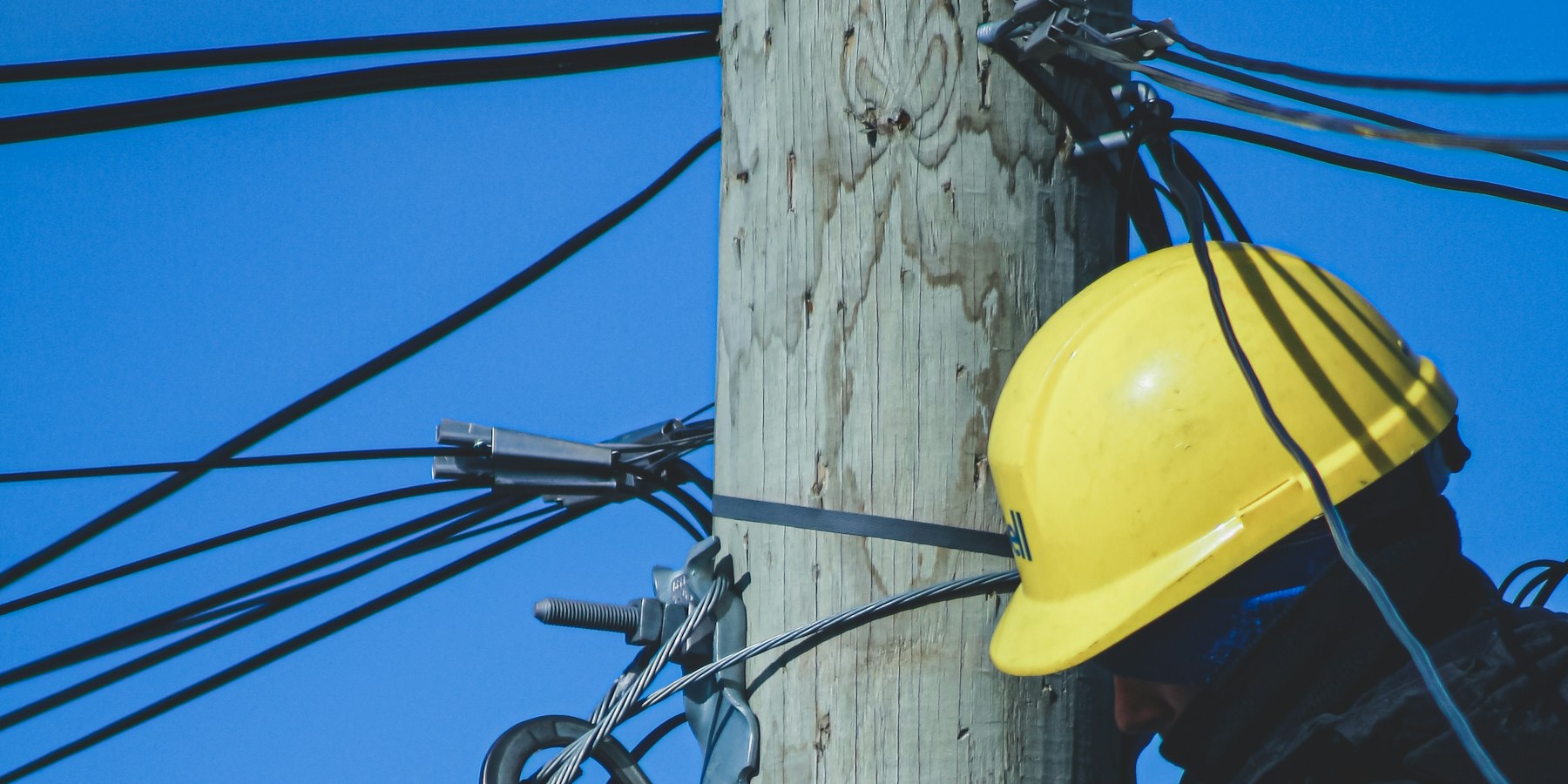
Technician in a hard hat working on cables on a utility pole
Cables protected outdoors
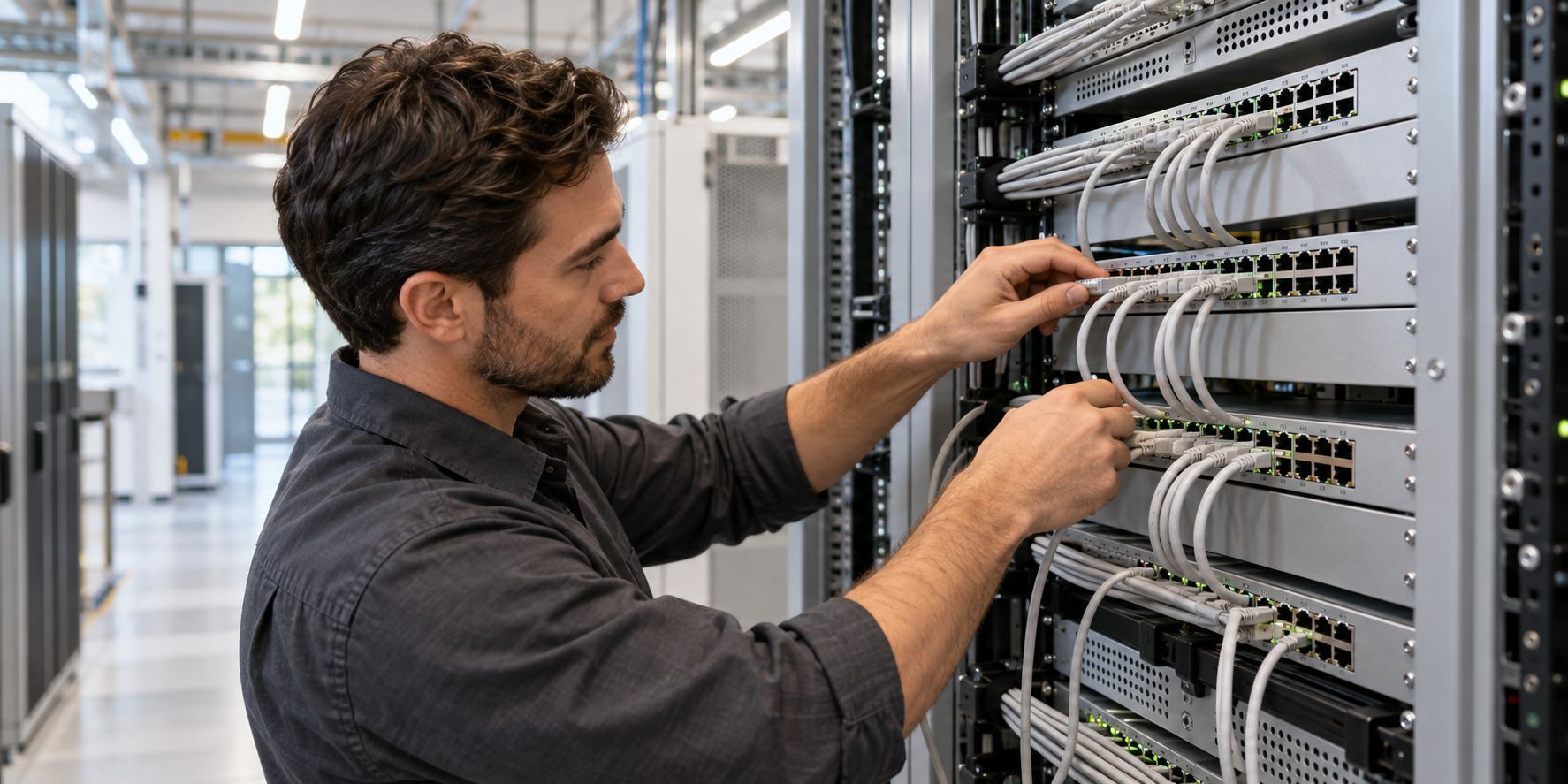
Illustrative technician configuring network equipment in a structured cabinet
Wi-Fi across the property

Site check first

A clear view confirmed before mounting.

Safe, sealed mounting

Roof, wall or pole, done properly.

Failover option

Automatic backup for business connections.

Wi-Fi included

UniFi coverage when one router is not enough.

Check my location

Tell us where the site is and how you will use Starlink.

Frequently asked questions

Answers for your organization.

Have another question?

Call or text DCI TECH USA, or email us. We reply with the information you need, in writing.

Email info@dcitech.us ↗
Email info@dcitech.us
Do you sell the Starlink equipment and plan?

You buy the Starlink kit and service plan from Starlink, or we can supply the kit. We handle the installation, mounting, cabling and network.

Can Starlink be a backup to our cable or fiber internet?

Yes. A firewall or gateway switches to Starlink automatically when the main line fails.

Will trees block the signal?

Trees and buildings can interrupt the connection. The site check finds a mounting point with a clear view, often on a pole above the tree line.

Do you install on residential properties?

Yes, homes and rural properties in DC, Maryland and Northern Virginia, as well as businesses.

Is Starlink fast enough for video calls?

In most locations, yes. Speeds vary by area and plan; we measure them at handover.

Next step

Find out if your site is ready for Starlink.

Tell us the address and how you will use it. We reply with the next step and a written quote.

Email info@dcitech.us