 DCI TECH USA
01
Coverage and mounting review
Identify the entrances, corridors, parking areas, or other spaces in scope. Review mounting positions, lighting, and installation access.
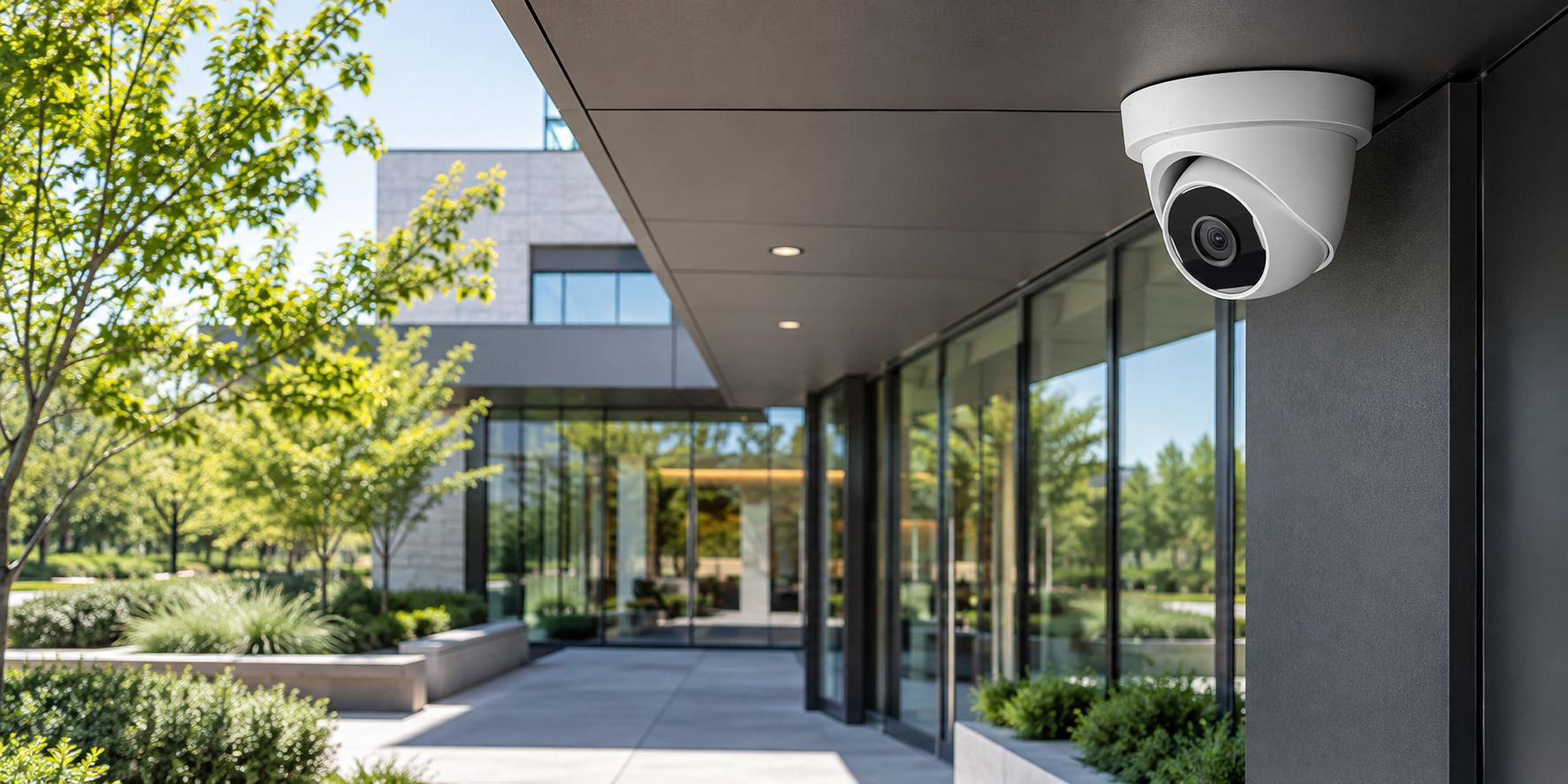
Security camera installation and upgrades for condominium communities, offices, schools, and commercial spaces. Plan the coverage, recording, and viewing access your organization needs.
A camera system combines cameras, connections, recording equipment, storage, and authorized viewing access. We help you plan those parts together rather than choosing cameras without considering the rest of the system.
The right project starts with the spaces you need to observe and how recordings will be used and administered.
Identify the entrances, corridors, parking areas, or other spaces in scope. Review mounting positions, lighting, and installation access.
Review compatible cameras, recorders, storage, and network equipment against the agreed coverage and recording needs.
Plan and carry out the physical installation tasks listed in the project, including camera connections and required power arrangements.
Set the agreed recording configuration and storage arrangements on the selected system. Confirm what the available storage can support.
Configure the agreed users and viewing methods supported by the chosen equipment. Confirm who owns administrator access.
Review camera faults, missing coverage, recording issues, or equipment replacement needs before recommending changes.
Equipment, storage, cabling, electrical work, viewing subscriptions, and ongoing maintenance are identified separately in the proposal.
A useful first conversation starts with the location, systems, and help your organization needs.
Share your site, users, current equipment, and the issue or upgrade. Let us know about access requirements and any important dates.
Discuss a support plan or project proposal with the tasks, equipment, licenses, fees, responsibilities, and work windows included.
Carry out the agreed tasks, check the functions in scope, and hand over administrator access, useful records, and remaining actions.
Call (240) 503-1611 or send us a message. We reply by email or phone.
Sometimes. We review the existing cameras, recorder, connections, and compatibility before deciding which components can remain.
Recording options depend on the selected equipment and your requirements. We agree on the configuration and storage needs during project planning.
Where the selected system supports remote viewing, it can be configured as part of the project. We confirm user permissions, accounts, connectivity, and any subscription requirements.
Your proposal lists the equipment, cabling, mounting, storage, and configuration tasks included. They are not automatically part of every support agreement.
Share the site address, spaces to cover, any existing equipment, and the recording or access problems you want to solve.
Tell us where cameras are needed, what equipment you have, and how your team needs to view or retrieve recordings.
Plan a camera project ↗