 DCI TECH USA
01
Device and user preparation
Identify the selected computer, assigned user, operating system, and setup requirements before work begins.
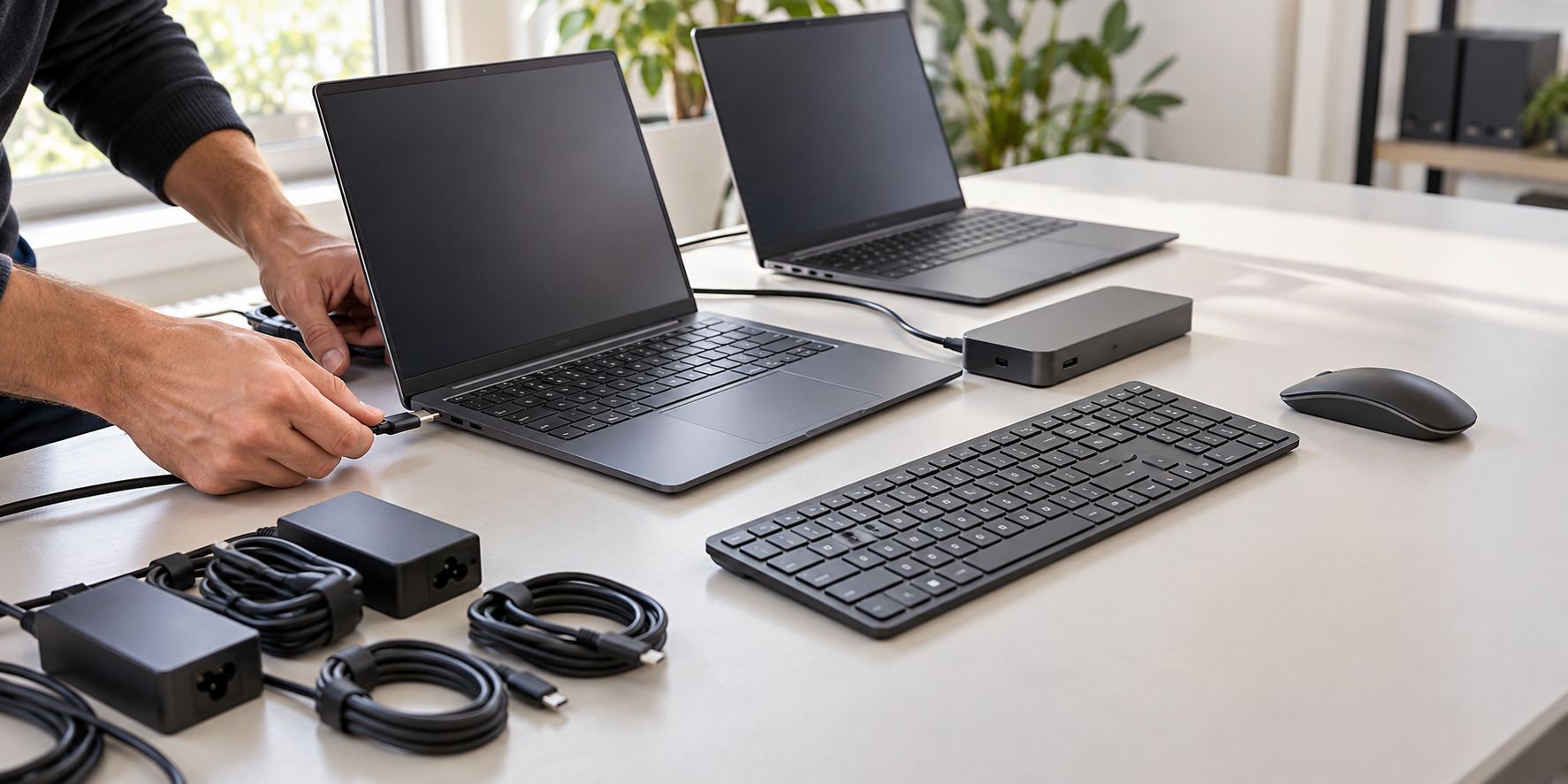
Prepare new or replacement business computers for your staff. Get help with user accounts, approved applications, security settings, accessories, and the data transfer included in your project.
Business computer setup prepares a device for its assigned user and your organization’s systems. The work can include configuration, accounts, applications, connections, and agreed data transfer rather than simply unboxing the computer.
We confirm the user, applications, account access, and organization settings before preparing the device.
Identify the selected computer, assigned user, operating system, and setup requirements before work begins.
Configure the agreed accounts and sign-in connections using the access and licenses your organization provides.
Install and configure the applications included in the project, subject to available licenses and compatibility.
Apply the agreed device, update, sign-in, and security-tool settings for the selected environment.
Handle the agreed data transfer and setup of supported docks, displays, printers, or other specified accessories.
Check the agreed applications and connections, confirm user access, and record remaining actions or support needs.
Computers, accessories, software licenses, unsupported applications, and additional data transfer are included only where listed in your proposal.
A useful first conversation starts with the location, systems, and help your organization needs.
Share your site, users, current equipment, and the issue or upgrade. Let us know about access requirements and any important dates.
Discuss a support plan or project proposal with the tasks, equipment, licenses, fees, responsibilities, and work windows included.
Carry out the agreed tasks, check the functions in scope, and hand over administrator access, useful records, and remaining actions.
Call (240) 503-1611 or send us a message. We reply by email or phone.
Yes. Share the model, operating system, users, and required applications so we can review the preparation work.
Data transfer can be included after reviewing the source device, data, access, and destination. The proposal identifies the data and transfer work covered.
Only where expressly listed. Setup services do not automatically include a computer, accessories, or every application license.
Yes. We agree on the common configuration and the differences needed for individual users before preparing the selected devices.
Recurring IT support can be discussed separately. Device preparation and continuing support are different scopes unless the agreement includes both.
Share the device count, users, required applications, accessories, and any data that needs to move.
Plan computer setup ↗