 DCI TECH USA
01
Device inventory
Record the agreed laptops, desktops, servers, network equipment, and relevant identifiers.
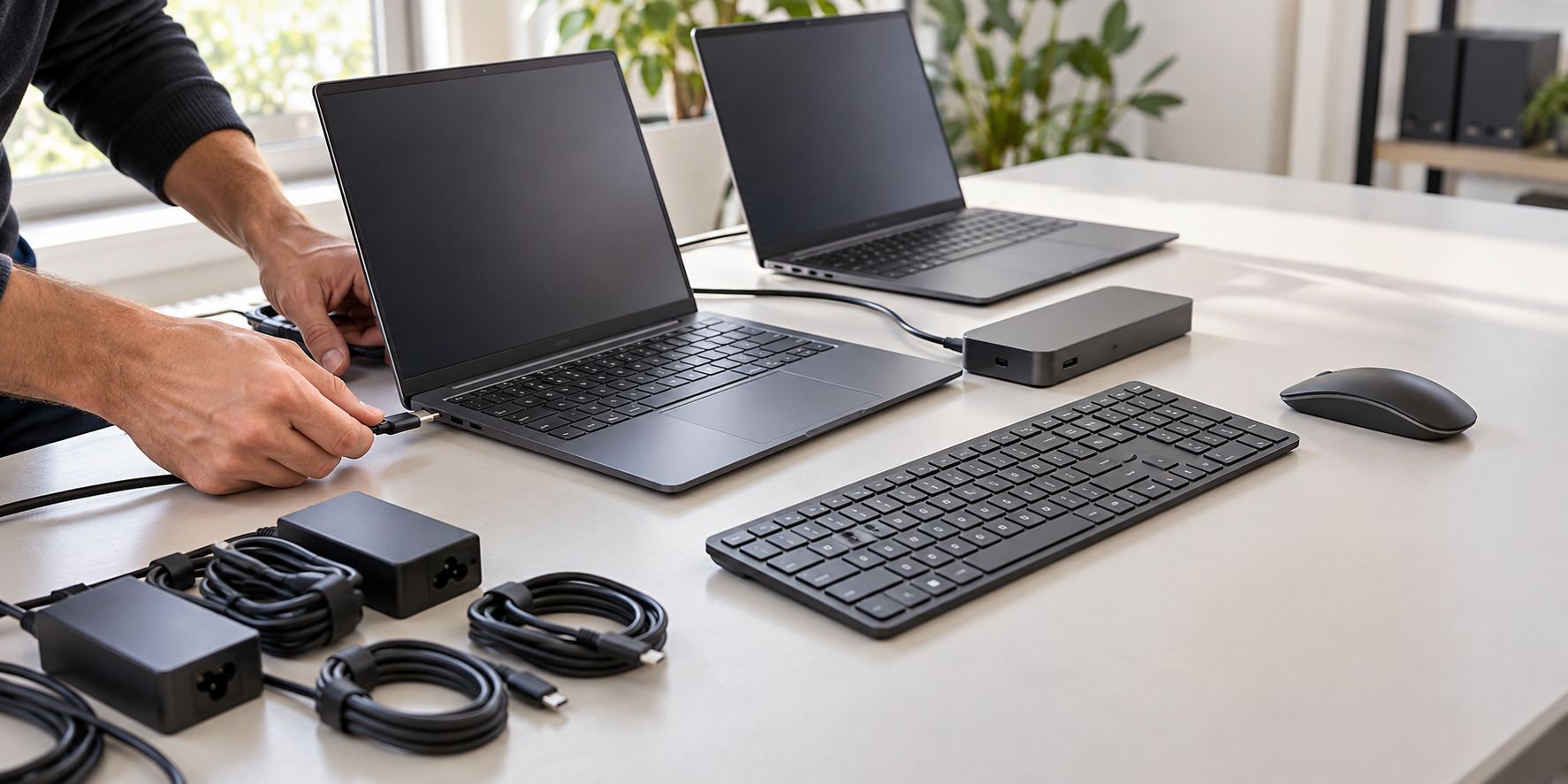
IT asset management for DMV organizations. Build a useful record of business devices, assigned users, software, warranties, and upcoming replacement needs.
IT asset management gives your organization a working inventory and responsibility record for the equipment and subscriptions in scope. It supports onboarding, departures, renewals, maintenance, and replacement planning.
IT asset management for DMV organizations. Build a useful record of business devices, assigned users, software, warranties, and upcoming replacement needs.
Record the agreed laptops, desktops, servers, network equipment, and relevant identifiers.
Connect equipment records with assigned people, departments, sites, and handover responsibilities.
Review agreed licenses, renewals, application owners, and available account records.
Document known warranty information, device age, condition, and replacement priorities.
Define how equipment is assigned, returned, checked, and recorded when staff changes.
Discuss authorized retirement, data-handling requirements, and the responsible disposal vendors.
Your proposal identifies the systems, tasks, equipment, licenses, fees, access, and responsibilities included. Reviews, new installations, and recurring support can have different scopes.
A useful first conversation starts with the location, systems, and help your organization needs.
Share your site, users, current equipment, and the issue or upgrade. Let us know about access requirements and any important dates.
Discuss a support plan or project proposal with the tasks, equipment, licenses, fees, responsibilities, and work windows included.
Carry out the agreed tasks, check the functions in scope, and hand over administrator access, useful records, and remaining actions.
Call (240) 503-1611 or send us a message. We reply by email or phone.
Yes. We agree on the locations, device categories, available access, and records before carrying out the inventory.
Procurement can be discussed separately. The inventory and planning work do not automatically include equipment purchases.
The agreed process can cover equipment return, account-change coordination, device preparation, and updating assignment records.
Yes. A defined review, installation, upgrade, or implementation can be discussed separately from ongoing support.
Send your organization, location, user or device count, affected systems, and the issue or outcome you need. Include important dates and site-access requirements.
Tell us your organization, site address, current systems, and the help you need. We will discuss the appropriate next step.
Get a free IT assessment ↗